Comparison center
Compare the workflow that matters on iPad.
See how ScaleTap differs on calibration, Apple Pencil input, offline work, exports, and price. If you need a full desktop suite, the comparisons say so.
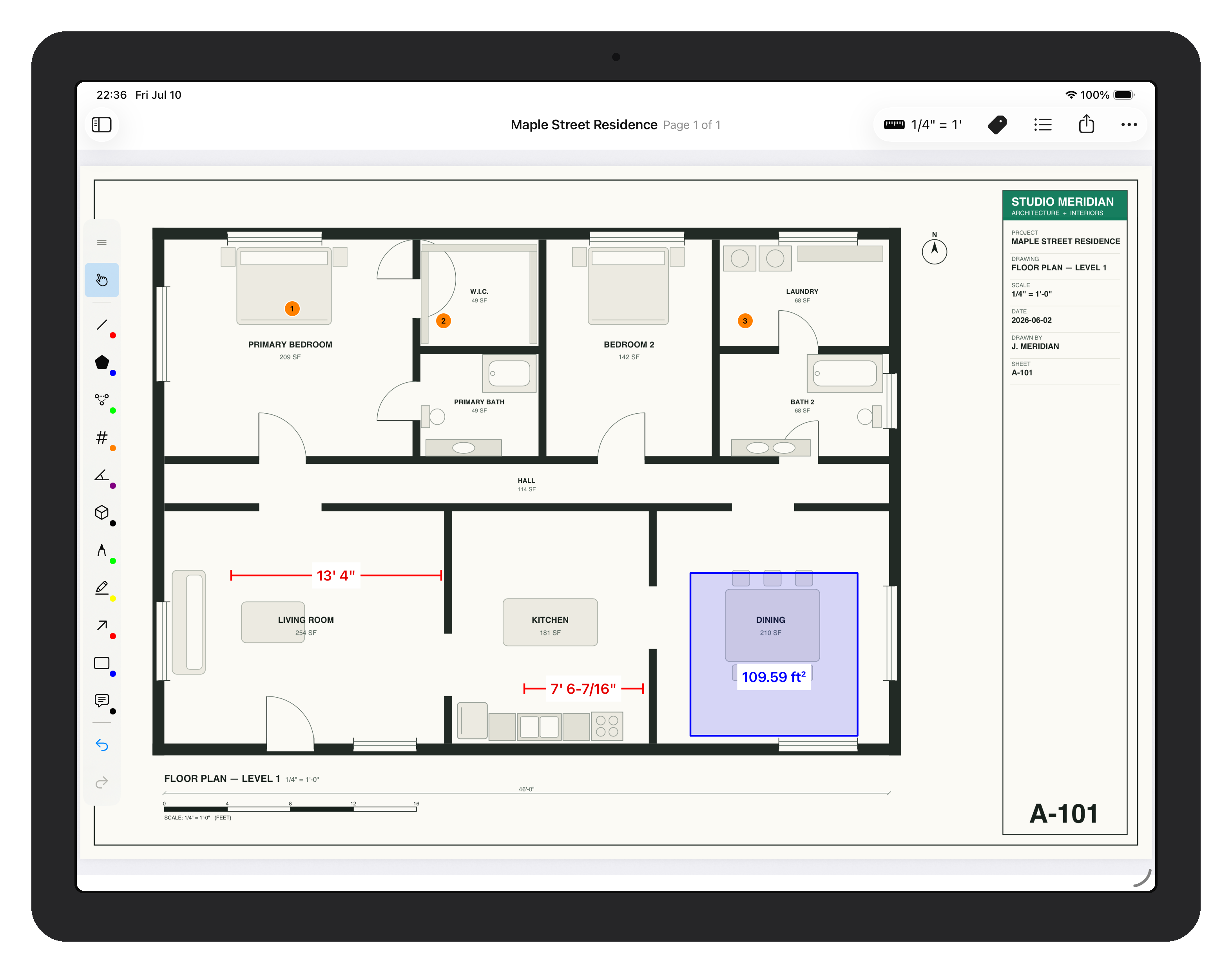
Comparison paths
Start with the tool you're replacing.
B
Compare with Bluebeam →
Bluebeam on iPad
Revu for iPad is discontinued. See what picks up the measurement workflow it left behind.
D
Compare with Drawboard →
Drawboard on iPad
A focused measurement tool versus a broad PDF workspace — which fits your day?
S
Explore ScaleTap features →
Skip the comparison
Go straight to what ScaleTap does: scale, measurement, markup, and export.
How to run a fair test
Use your own documents, not a demo file.
Open the same drawing in both apps and check the things that bite later: airplane mode on, Pencil in hand, your real page counts, and the exact file the next person needs to receive.
InputTouch, Pencil, and keyboard behavior
ScalePer-page and multi-scale sheets
DocumentsReal page counts and scanned sets
OutputVisual proof and quantity data
Run the comparison on a real plan.
Download ScaleTap free and test the same drawing, scale, and handoff you'd use in production.